What happened
On 10 November 2026, Patch Tuesday, Microsoft released its monthly security updates. Only one flaw in the release was already being used in real attacks: CVE-2026-124194 in Microsoft Outlook. Microsoft's advisory marks it "Exploitation Detected". CISA added it to its Known Exploited Vulnerabilities (KEV) catalog the same day.
Microsoft explains the attack like this: an attacker sends "a specially crafted message file" and convinces the user to open it in Outlook. Opening it makes Outlook connect to a server the attacker controls, "without displaying the usual external-content warning". During that connection Windows sends the user's NTLMv2 hash, a scrambled form of their login that Windows uses to prove who you are on a network.
How the attack works, step by step
Here is what happens from the moment the email arrives. The victim sees steps 1 and 2. Steps 3 and 4 happen in the background, where nobody sees them. IT teams who want the protocol-level detail and detection rules can read our Outlook CVE-2026-124194 technical write-up.
 Step 1
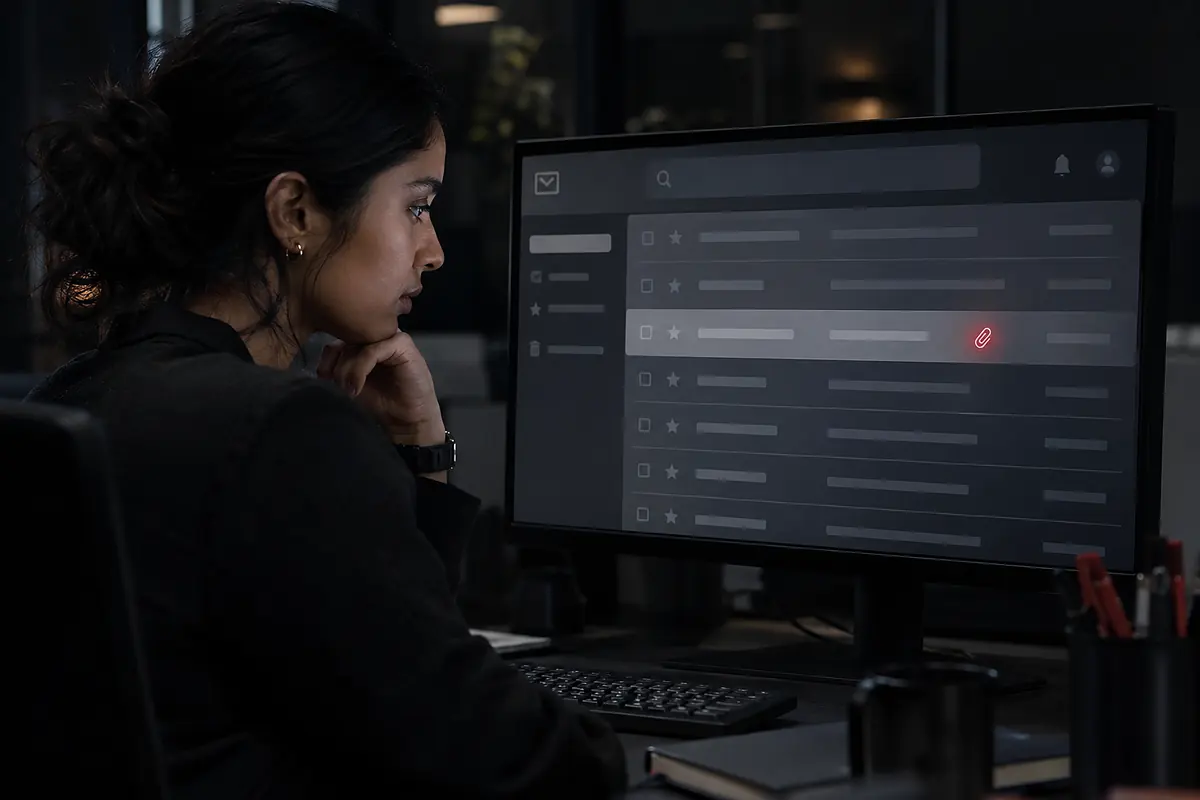
A message file arrives as an attachment
The attacker emails a crafted message file, for example a
.msgattachment made to look like a forwarded invoice, voicemail or shared document. It can come from a stranger or from the hacked mailbox of someone the victim knows.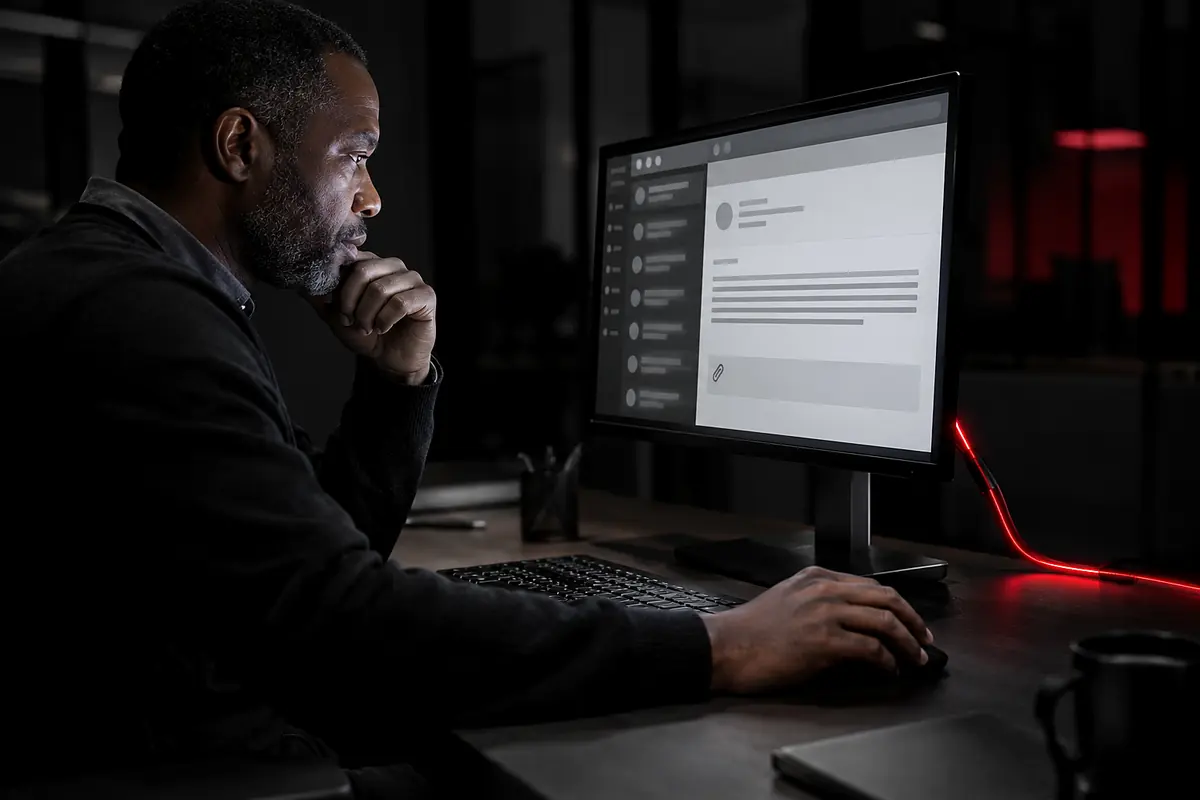 Step 2
The victim opens it, and nothing looks wrong
The file opens in classic Outlook like any other email. Just seeing it in the Preview Pane is not enough; the victim has to open the file. Normally Outlook shows a warning before it loads content from outside. Because of this flaw, that warning never appears.
 Step 3
Outlook quietly connects to the attacker
In the background, the file makes Outlook reach out to a server the attacker controls. Windows signs in to that server automatically, the same way it signs in to a shared office folder, and sends the user's NTLMv2 hash: a scrambled copy of their login.
 Step 4
The attacker uses the stolen login
Now the attacker has two options. They can crack the hash on their own computers to recover the real password, which is fast for short or common passwords. Or they can relay it straight away to one of your servers that does not require signing, and act as that user. This is called an NTLM relay attack. Either way, their next sign-in looks like a normal login.


- Staff who stop and check unexpected attachments stop it at step 2.
- The November Office update fixes the flaw itself. This is the most important step.
- Blocking outbound SMB (port 445) at your firewall closes the most common route a hash takes out of your network at step 3.
- Long passwords, multi-factor login and SMB and LDAP signing make the stolen hash far less useful at step 4.
Who is affected
| Product | Fixed version | What to do |
|---|---|---|
| Microsoft 365 Apps (Outlook in a Microsoft 365 subscription) | The November 2026 security update for your update channel | Update Office and restart Outlook |
| Office LTSC 2024 | 16.0.17932.21140 or later | Update Office and restart Outlook |
| Office LTSC 2021 | 16.0.14334.21048 or later | Update Office and restart Outlook |
| Office 2016 and Office 2019 | Not listed. Support ended in October 2025, so they get no fixes | Plan the move to a supported version now |
Microsoft's advisory lists only the desktop Office products above, the classic Outlook for Windows. It does not list Outlook on the web, the new Outlook for Windows or Outlook for Mac. Most offices still have classic Outlook installed on at least some PCs, so check rather than assume.
Microsoft has not said who is behind the attacks, who was targeted or how widespread they are.
How to update Outlook and check the fix
- Open Outlook (or Word or Excel; they share the same updates).
- Click File, then Office Account.
- Click Update Options, then Update Now.
- Close Outlook when asked so the update can finish, then open it again.
- Check the version under About Outlook on the same page. Compare it with the fixed versions in the table above.
Using a Mac, the new Outlook or the phone app? Our step-by-step guide on how to update Outlook covers every version.
What businesses should do this week
- Push the November Office update now through Intune, your patch tool or your IT provider, and check the installed build numbers. A report that says "deployed" is not the same as "installed".
- Warn staff about attachments. The attack needs someone to open a file. Tell people to be careful with unexpected
.msgfiles and Office attachments, even from known senders. See how to spot a phishing email. - Stop login hashes leaving your network. As general hardening (our advice, not part of Microsoft's fix), block outbound SMB (TCP port 445) at your firewall so PCs cannot send Windows logins to servers on the internet.
- Make stolen hashes less useful. Rapid7 recommends SMB signing, LDAP signing and Extended Protection for Authentication on Exchange and Active Directory Certificate Services. These stop an attacker from relaying a stolen hash to your own servers.
- Protect admin accounts first. A leaked hash from an administrator is far more dangerous than one from a regular user. Admins should not read email on the same account they use to manage systems.
- Watch for odd sign-ins. Logins from unusual machines right after someone opened an attachment are a warning sign. Your endpoint protection (EDR) or SOC should flag them. See what EDR is.
Use cases: how this plays out in a real business
1. The "invoice" attachment. An accounts clerk at a 30-person distributor gets an email with an attached message file that looks like a forwarded supplier invoice. She opens it. Nothing seems to happen, but her login hash has just been sent to the attacker. A week later the attacker uses her cracked password on the company's VPN, which has no multi-factor login. What would have stopped it: the Office update, blocked outbound port 445, and MFA on the VPN.
2. The IT admin who reads email as admin. At a small accounting firm, the person who looks after IT uses one account for everything, including email. He opens the crafted file and the attacker relays his hash to the file server, which does not require SMB signing. The attacker now has admin access to every client folder. What would have stopped it: a separate admin account with no mailbox, and SMB signing turned on.
3. "We use Outlook on the web, so we are fine." A marketing agency moved to Microsoft 365 and most staff use Outlook in the browser. Two designers still have classic Outlook installed from years ago and it has not updated since a licence change. What would have stopped it: an inventory of which Office versions are actually installed, and removing old copies nobody needs.
4. The old Office 2019 PC. A clinic's front-desk PC still runs Office 2019, which stopped getting security updates in October 2025. It is not even on Microsoft's list, so there is no fix to install. What would have stopped it: replacing unsupported software before a flaw like this appears, not after.
If you think someone already opened the file
- Install the Office update on that PC straight away.
- Change that user's password, and reset it again for any account that shares the same password.
- Make sure multi-factor authentication is on for email, VPN and remote access.
- Check sign-in logs for that user over the following days for logins from unfamiliar devices or places.
- If the user is an administrator, treat it as a possible break-in and involve your IT provider or incident response team. Our incident response plan template lists the first steps.
This month's other exploited flaws, including Chrome and N-able N-central, are in our November 2026 exploited vulnerabilities roundup.
Sources

Need a hand with this?
Talk to a senior consultant. We reply within one business day with clear next steps and a scoped quote.
Prefer to just ask? Contact us and a consultant will reply.
Written by
Vince AntonioSecurity writer and consultant, NextGarrison
Vince writes NextGarrison's security news, technical vulnerability write-ups and guides. He covers actively exploited flaws, penetration testing, SOC monitoring and getting ready for SOC 2, ISO 27001 and PCI DSS, in plain English with sources for every claim.
Want the next alert like this one?
New vulnerability alerts as soon as we publish them. Free, no sign-up, works in Feedly, Outlook, Slack and Teams.